Ship The Cargo Official & Wiki Links
Verified Roblox destinations and every major hub on this fan wiki.
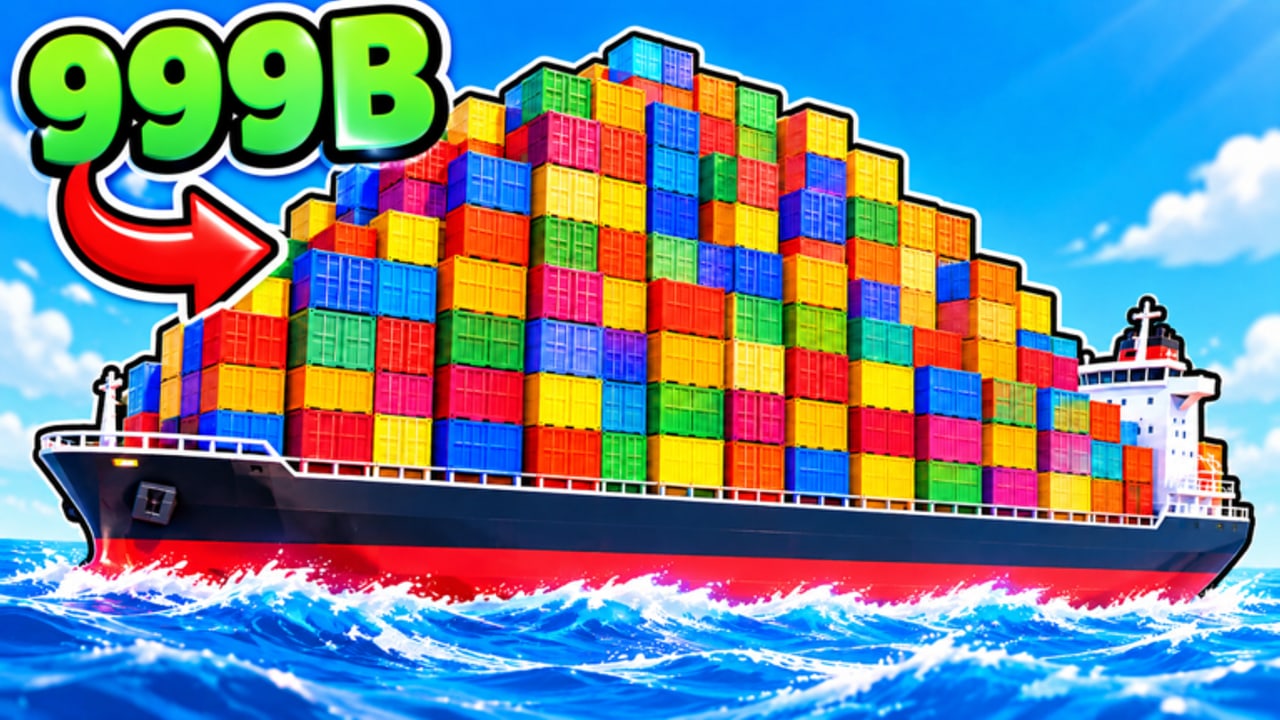
The Links Hub collects verified destinations for Ship The Cargo so you never have to dig through chat spam. This fan-made wiki covers the free Roblox Simulation / Tycoon from Big Boat Small Boat—deliver cargo across the ocean, survive sea dangers, sell for profit, and upgrade boats with up to 12 players per server. Below you will find official Roblox links, creator group access, and quick jumps to every major wiki hub.
Official Roblox links
| Resource | Link | Notes |
|---|---|---|
| Play Ship The Cargo | Roblox experience page | Universe / place entry point; check description and Updated time |
| Creator group | Big Boat Small Boat | Group wall and shout for announcements |
Always join the game through the official Roblox page. Do not trust mirrored “play now” buttons on unrelated sites that ask for odd permissions.
Socials, Discord, and Trello
As of writing, this wiki does not list a verified public Discord, Trello, Twitter/X, or YouTube handle beyond what appears on Roblox itself. If Big Boat Small Boat publishes social links, they will typically appear on:
- The experience description or social fields on the Roblox game page
- The Big Boat Small Boat group page
Until those are confirmed, treat random invite links in chat or third-party directories as unverified. We will add them here only after they are clearly official. Check the Roblox page and group whenever you hunt for community servers or roadmaps.
Wiki hubs (start exploring)
Progress and learning
- Guides Hub — Map of every tutorial
- Getting Started — First-hour orientation
- How to Deliver Cargo — Complete the shipping loop
- How to Make Money — Raise coins per hour
- Controls — Desktop, Console, Mobile, Tablet inputs
- Survive Ocean Dangers — Keep cargo afloat
- Boat Upgrades — Spend with a plan
Meta and spending
- Tier List Hub — Ranking philosophy
- Boats tier list — Vessel priorities
- Upgrades tier list — Module priorities
Live status and community
- Codes Hub — Promo status and redemption tips (none verified active as of writing)
- Updates Hub — How to track patches since the 2026-10-07 release
- Players Hub — 12-player etiquette, solo vs group
- Scripts Hub — Safety-first notes; no verified place-specific exploits listed
How to use this page
- New player: Open the official game link, join once, then read Getting Started.
- Returning after a break: Check Updates and Codes, then skim money and tier pages.
- Helping a friend: Send this Links Hub plus the Guides Hub instead of a pile of unmarked URLs.
- Suspect phishing: Compare any “official” invite against the Roblox game and group pages above.
About this wiki
This site is a fan resource for Ship The Cargo on Roblox. It is not an official Big Boat Small Boat product. Game mechanics, visit counts, and code availability can change; when they do, we update hubs like Codes, Updates, and Tier Lists. For authoritative ownership and moderation, always defer to Roblox and the creator group.
Quick facts refresher
- Title: Ship The Cargo (Roblox)
- Creator group: Big Boat Small Boat
- Released: 2026-10-07
- Loop: Deliver → survive → sell → upgrade
- Platforms: Desktop, Console, Mobile, Tablet
- Max players: 12
Bookmark this Links Hub as your doorway: official play and group pages on one side, deep guides and meta tools on the other. Sail safe, verify sources, and keep every link you share pointed at real destinations.
Frequently Asked Questions
Quick answers to the most common questions.
Where do I play Ship The Cargo?
Use the official Roblox experience page for Ship The Cargo. Avoid third-party mirrors that ask for unusual permissions.
What is the creator group?
Big Boat Small Boat. Follow their Roblox community page for wall posts and announcements tied to the game.
Is there an official Discord or Trello?
None are listed here as verified yet. Check the Roblox game page and Big Boat Small Boat group for any social links the developers publish.
Is this wiki official?
No. This is a fan-made wiki. For authoritative info, use the Roblox experience page and the creator group.
Which wiki page should I open after this one?
New players should continue to Getting Started via the Guides Hub. Returning players should check Updates and Codes first.