Ship The Cargo Guides
From first voyage to efficient ocean deliveries—every core tutorial.
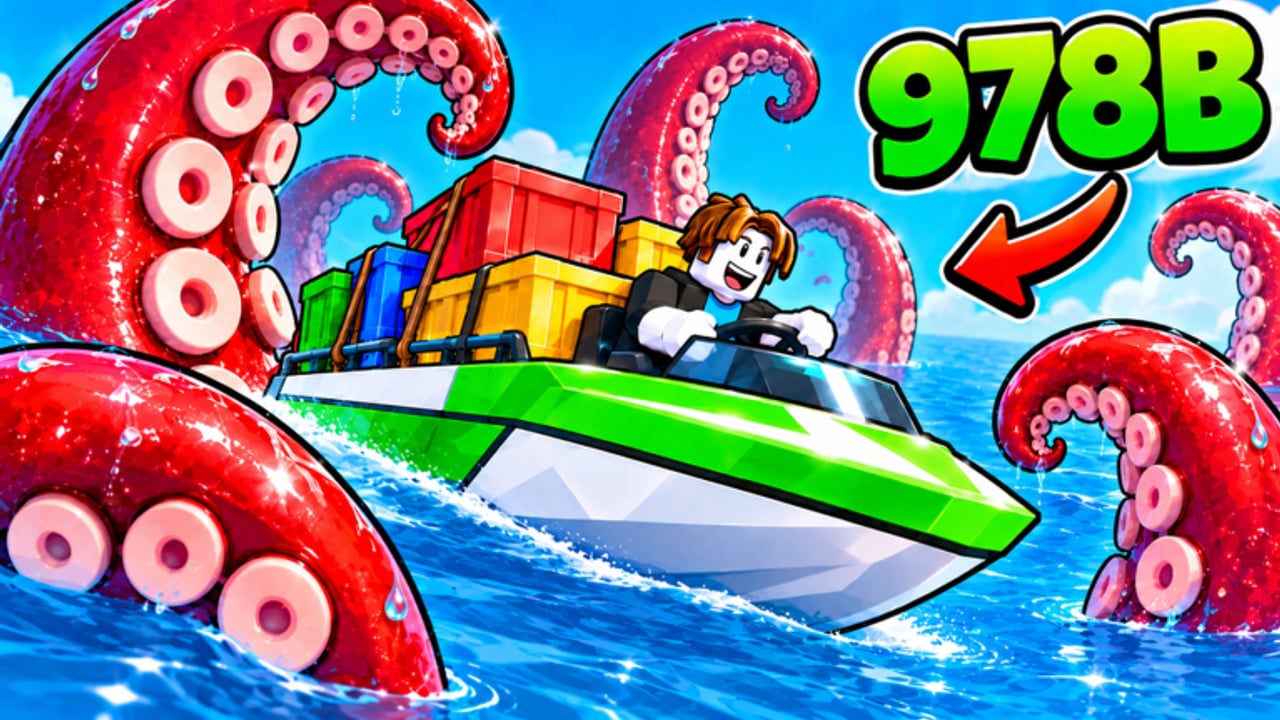
This Guides Hub is the map to every Ship The Cargo tutorial on the wiki. Ship The Cargo is a free Roblox Simulation / Tycoon by Big Boat Small Boat: load cargo, cross the ocean, survive sea dangers, sell for profit, and upgrade your boat. Servers hold up to 12 players on Desktop, Console, Mobile, and Tablet. Use the guides below in order if you are new, or jump straight to the mechanic that is blocking your coins.
Start here
Getting Started
Day-one orientation for new captains. Learn what the core loop expects, which HUD pieces matter, how to complete your first deliveries without panic, and what to unlock before you chase expensive boats. Perfect if you just pressed Play on the official Roblox place.
Controls
Platform-aware input help for steering, interacting with cargo, menus, and cameras. Whether you play on keyboard, controller, or touch, clean inputs prevent scrapes that wipe a full hold. Pair this page with early practice runs so muscle memory sticks.
Session Checklist
A reusable pre-sail, mid-voyage, and post-sale ritual so every play block stays intentional.
Core money loop
How to Deliver Cargo
Step-by-step delivery flow: pick up freight, plan an ocean route, manage timing, dock cleanly, and complete the sell. Emphasizes habits that reduce failed trips—the silent killer of hourly income.
How to Make Money
Turns deliveries into a profit plan. Covers cargo value thinking, when to reinvest, how to avoid broke-after-upgrade syndrome, and session goals that stack coins faster without cheats.
Ports and Routes
Route roles from starter docks and coastal lanes to open-ocean crossings and busy chokepoints—match boat strength to distance and traffic.
Boat Upgrades
Explains upgrade categories and sensible orderings so every purchase moves speed, capacity, or survivability. Cross-link with the Upgrades tier list before you dump a stash.
Stay afloat and improve
Survive Ocean Dangers
Sea hazards wipe unpaid cargo. This guide focuses on reading danger, choosing safer lines, recovering from mistakes, and knowing when to abort a greedy route.
Common Mistakes
The expensive habits that sink new and mid captains—and how to fix them before they empty your wallet.
Co-op Crew Playbook
Roles, chat calls, and dock etiquette for friend groups on 12-player servers. Pair with the Players Hub.
Suggested learning paths
Brand-new captain (first hour)
- Getting Started
- Controls
- How to Deliver Cargo
- Session Checklist
- Light reading on Survive Ocean Dangers
Hungry for profit (hours 2–10)
- How to Make Money
- Ports and Routes
- Boat Upgrades
- Tier List Hub → Boats / Upgrades
- Common Mistakes to stop leaking coins
Crew / co-op focus
- Co-op Crew Playbook
- Etiquette on the Players Hub
- Delivery + survival guides so roles stay useful under pressure
How these guides connect to the rest of the wiki
- Codes — Optional freebies live on the Codes Hub. None may be active today; guides still carry your progress.
- Scripts — Skip risky executors. The Scripts Hub explains why and points back here.
- Tools — Use the Cargo Run Planner and Session Debrief with these guides.
- Updates — After patches (game released 2026-10-07, with update activity into 2026-11, including a Roblox Updated signal around 2026-11-10), skim Updates and the November 2026 Update Watch, then re-open the guides that touch changed systems.
- Links — Official game and Big Boat Small Boat group links sit on the Links Hub.
Tips for using walkthroughs well
- Read one guide, then play a short session to apply it—do not binge every page before your first voyage.
- When a tip mentions a path like upgrades or tier lists, open it in a new tab and compare against your current boat.
- If a strategy fails twice, check Common Mistakes, survival, and controls before blaming “bad RNG.”
- Share specific guide links with friends instead of vague “git gud” advice in chat.
Ship The Cargo rewards calm routing and deliberate spending more than frantic hopping. These guides exist to shorten the learning curve while keeping the ocean challenge intact. Bookmark this hub, work through the path that matches your goal, and come back whenever a new mechanic or patch resets your assumptions.
Frequently Asked Questions
Quick answers to the most common questions.
Which guide should I read first?
Start with Getting Started, then Controls and How to Deliver Cargo. Add Survive Ocean Dangers as soon as you take a costly sinking.
Where do I learn to earn coins faster?
Use How to Make Money together with How to Deliver Cargo and Boat Upgrades. Confirm spending priorities on the Tier List Hub.
Is there a controls guide for mobile and console?
Yes. The Controls guide covers Desktop, Console, Mobile, and Tablet input patterns used in Ship The Cargo.
Do guides replace codes or scripts?
Guides are the reliable path. Codes are optional when verified; scripts are unsafe and not recommended—see the Codes and Scripts hubs.
What should I reread after an update?
Check the Updates Hub and November 2026 Update Watch first, then reopen Boat Upgrades, Ports and Routes, Survive Ocean Dangers, and the tier lists if balance or hazards changed.
Where do I find route planning and co-op tips?
Use Ports and Routes for lane choices, Co-op Crew Playbook for friend roles, and the Session Checklist plus Tools Hub planners every play block.