Ship The Cargo Tools Hub
Practical planners and checklists that turn wiki advice into a repeatable cargo session.
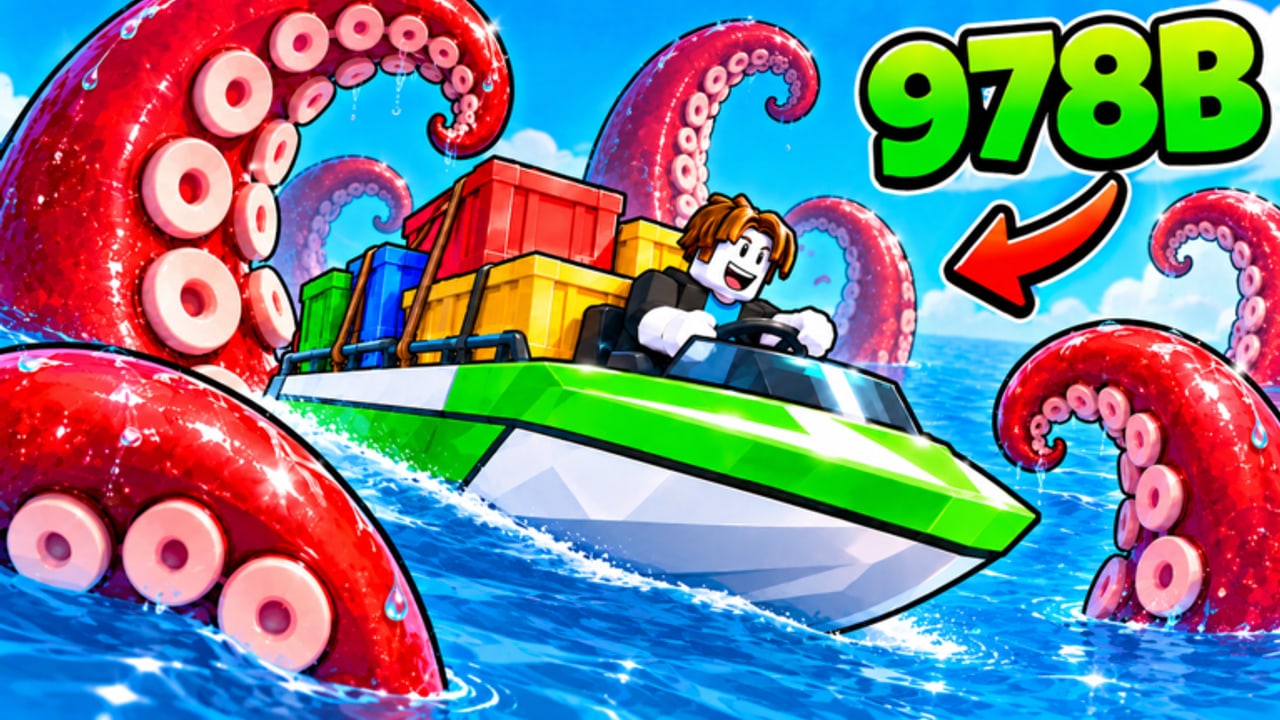
The Tools Hub collects hands-on Ship The Cargo helpers you can run every session—not lore pages, not filler. Start with the featured Cargo Run Planner, close each block with the Session Debrief, then jump into the boat tier list, upgrade priority tier list, and money/delivery guides when the planner points at a weak link.
Ship The Cargo by Big Boat Small Boat is a free Roblox Simulation/Tycoon loop: deliver cargo across dangerous water, sell for profit, upgrade boats, repeat. Servers cap at twelve players across Desktop, Console, Mobile, and Tablet. That density creates traffic, contested docks, and uneven risk. Tools on this hub exist to slow your brain down for sixty seconds before you cast off, so the next voyage is intentional.
What belongs on the Tools Hub
- Session planners — route risk, cargo value mindset, upgrade breakpoints.
- Checklists — pre-sail, mid-voyage, and post-sale reviews you can reuse (see also Session Checklist).
- Decision aids — when to swap boat roles, when to stop upgrading a hull, when to cash out early.
If a page only narrates the story of shipping without giving you a repeatable workflow, it belongs in Guides, not here. Tools should change what you click next.
Featured tool: Cargo Run Planner
Open the Cargo Run Planner at the start of a play block. It walks you through:
- Picking a risk band for today’s ocean mood.
- Choosing cargo value mindset (safe stack vs premium gamble).
- Checking upgrade breakpoints before you spend.
- Closing the loop with a three-question debrief after you sell.
Use it even on “quick” sessions. Short sessions waste the most money when you autopilot into a bad hull or a route you cannot finish before you log off.
Featured tool: Session Debrief
After you sell (or abort), open the Session Debrief. Score whether capacity, speed, handling, or defense blocked you, pick at most one upgrade, and decide if tomorrow’s risk band should rise, hold, or drop. Pair it with Ports and Routes and How to Make Money so the score turns into a plan.
How to use wiki tools with the rest of the site
Treat tools as the coach, tier lists as the roster, and guides as the playbook.
- Plan on this hub (Cargo Run Planner).
- Pick the boat role with the boat tier list — Starter Freighter, Coastal Hauler, Ocean Runner, Heavy Cargo as community roles mapped to shipyard names.
- Spend correctly with the upgrade priority tier list and boat upgrades guide.
- Execute using how to deliver cargo, ports and routes, and how to make money.
- Debrief with Session Debrief and avoid repeats via Common Mistakes.
- Claim freebies when available via Codes and how to redeem codes.
- Recheck patches on Updates and November 2026 Update Watch so your planner assumptions still match live hazards and economy tweaks.
New captains should still finish Getting Started once, then return here every day. Veterans can land on Tools first.
Session workflow (recommended)
Before launch
- Run the planner’s risk and cargo sections.
- Confirm you are not mid-upgrade into a dead-end cosmetic.
- Note whether you have fifteen minutes or fifty—route length must fit real life.
During the run
- Stick to the risk band you chose. Mid-voyage “just one more premium crate” is how holds vanish.
- If the ocean spikes harder than planned, abort to a shorter sell rather than forcing an S-tier fantasy route on a B-tier prep.
After the sale
- Run the Session Debrief.
- Mark whether capacity, speed, handling, or defense blocked you.
- Buy at most one meaningful upgrade aligned with that bottleneck.
- Only then open the shipyard for a hull jump.
This workflow keeps Tools from becoming a page you read once. It is a ritual.
Why text tools beat vibes
Roblox tycoons reward streaky confidence. Ship The Cargo also punishes overconfidence with sea danger and lost cargo. A written planner externalizes decisions so a loud server or a flashy shipyard item cannot yank your goalposts mid-session. You will still improvise—tools just make improvisation cheaper.
Related hubs
Come back to this Tools Hub whenever profit-per-hour feels random. Random usually means you skipped the plan.
Frequently Asked Questions
Quick answers to the most common questions.
What are the main tools on this hub?
The Cargo Run Planner for pre-sail risk and cargo mindset, plus the Session Debrief for post-sale bottleneck scoring and next-upgrade decisions.
Should beginners use tools before guides?
Skim Getting Started once, then use the Cargo Run Planner each session. Tools keep early voyages intentional while guides teach mechanics in depth.
Do these tools replace the boat tier list?
No. The planner decides today’s risk and spend focus; the boat and upgrade tier lists tell you which roles and stats match that plan.
How often should I reopen the Tools Hub?
At the start of each play block, after a big patch on Updates, and whenever your profit-per-hour drops without an obvious cause.
When should I use Session Debrief?
Right after you sell or abort a run—score the bottleneck, buy at most one upgrade, then adjust tomorrow’s risk band.