Ship The Cargo Session Checklist
A reusable pre-sail, mid-voyage, and post-sale ritual so every login has a clear job.
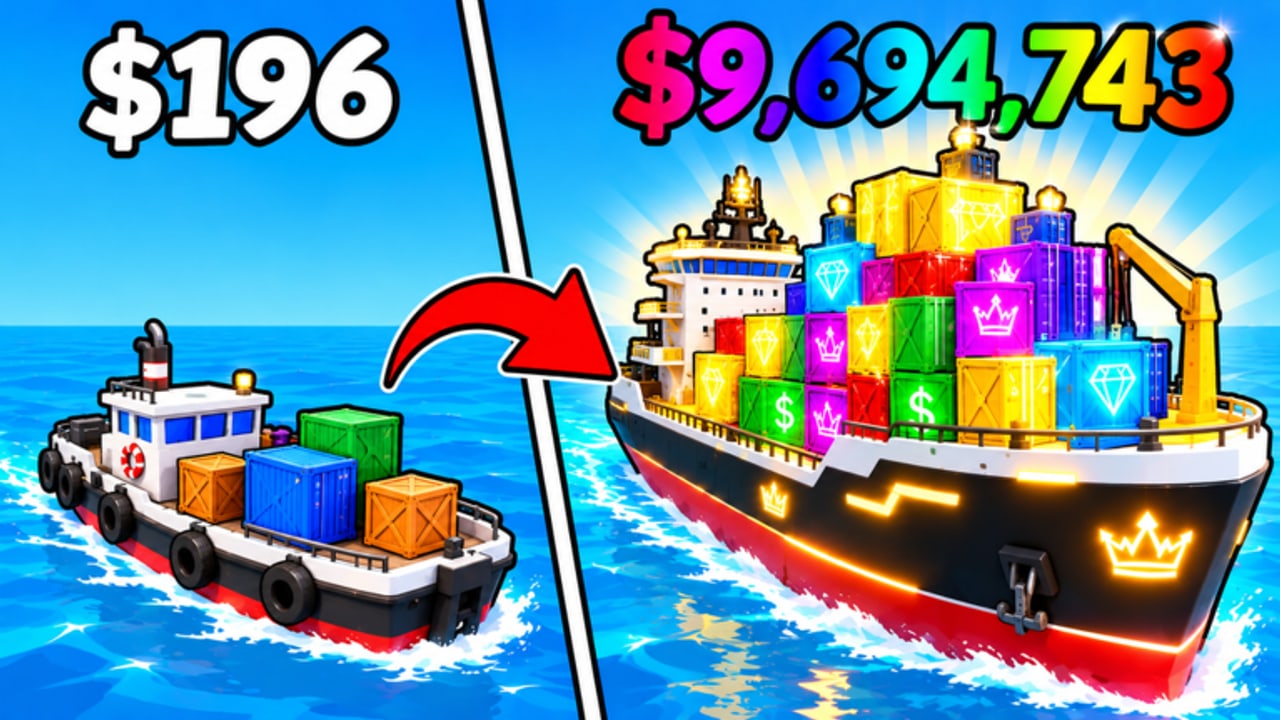
A good Ship The Cargo session is a ritual, not a scramble. You join Roblox, cast off, sell cargo, and leave — but the captains who progress fastest run the same three blocks every time: pre-sail, mid-voyage, and post-sale. This page is that ritual. Print it mentally, keep it open beside the game, or skim it between docks until the habits stick.
Ship The Cargo is a free Roblox simulation and tycoon experience by Big Boat Small Boat, released 2026-10-07. Servers hold up to 12 players, and you can play on Desktop, Console, Mobile, and Tablet. The loop never changes — haul cargo, survive the ocean, sell for profit, upgrade the boat — but your session quality does. Pair this checklist with the cargo run planner for route risk bands, then use the guides below when a single step needs depth.
Why a ritual beats “just play”
Random play still earns coins. Ritualized play earns breakpoints: the next handling node, the next capacity jump, the next safe long haul. Without a checklist you forget codes, sail damaged, skip the updates note that changed a dock, or spend post-sale cash on cosmetics before the upgrade that would have saved the next hold.
Use one primary money goal per session (see how to make money). Everything on this page either protects that goal or measures whether you hit it.
Block A — Pre-sail (before you leave the pier)
Do these in order. Do not cast off until the list is honest.
1. Codes check
Open the codes hub and redeem anything still active through the in-game rewards UI (how to redeem). Free rewards often accelerate the first upgrade of the night. Skip inventing codes; only use what the hub lists as current.
2. Updates check
Skim the updates hub for patch notes that affect docks, hazards, boats, or economy. A two-minute read prevents sailing a plan the live game just changed.
3. Session constraints
Say out loud (or note):
- Time available: under 15 minutes / 15–40 / 40+.
- Platform: Desktop, Console, Mobile, or Tablet — docking patience scales with input comfort (controls).
- Cash buffer: can you lose one full hold and still afford the planned upgrade?
- Crew: solo or co-op on a up-to-12-player server?
Under 15 minutes → ban long crossings. Short cash buffer → ban premium gambles.
4. Money goal for this login
Pick one:
- Foundation: N clean short sells; buy handling or speed.
- Capacity: mid routes; unlock the next hold size.
- Survival: practice threat response without wiping (survive ocean dangers).
- Push: one longer haul only after the boat is patched.
- Co-op: roles agreed (helm / load / lookout) before leaving.
5. Plan the voyage
Run the cargo run planner: risk band (Green / Yellow / Red), cargo mindset (Safe / Balanced / Premium), boat role match, and the single upgrade breakpoint you will buy after selling. If planner and money goal disagree, change the route — not the goal mid-ocean.
6. Boat and deck ready
- Hull not departing already damaged “for one more job.”
- Cargo seated so crates do not block view or hang loose (how to deliver cargo).
- Know the sell dock and a shorter bail-out dock.
- No half-finished cosmetic spend stealing upgrade cash.
Only then cast off.
Block B — Mid-voyage (while the hold is at risk)
Mid-voyage is where rituals save money. Glance at this block when weather, traffic, or damage shifts.
Keep watching
- Integrity: damage trending toward your personal turn-back line?
- Cargo security: anything shifting or lost overboard?
- Heading: still aimed at the planned sell dock?
- Band honesty: did the ocean upgrade itself from Yellow to Red without your permission?
Abort triggers (treat as success)
Abort or downgrade the plan if:
- Hazard intensity exceeds the band you picked in the planner.
- Hull crosses your turn-back threshold before the midpoint.
- Dock traffic or timer makes the premium finish unrealistic.
- You realize you loaded a Premium gamble on a Green session.
Aborting with half a hold still sellable beats a sunk treasury. Ego routes are a hidden fee — the money guide and ocean-dangers guide both hammer that point for a reason.
Co-op mid-run discipline
On fuller servers, keep one person calling threats and one focused on helm. Do not stack a new boat, a long route, and a stormy push in the same voyage. Agree once, then execute.
Block C — Post-sale (after the dock payout)
The session is not over when the sell prompt fires. Post-sale is where progress compounds.
1. Bank the lesson (three questions)
- Did the hold match the cargo mindset you declared?
- What single stat blocked a faster or safer finish — capacity, speed, handling, or defense?
- Stay on this hull or jump roles only after two clean sessions at the current ceiling?
2. Spend toward the money goal
Buy one breakpoint that answers question two. Follow boat upgrades and sanity-check with the upgrades tier list and boats tier list. Scatter-buying four tiny nodes without a breakpoint stalls Coastal Haulers and starters alike.
3. Re-queue or stop
- Goal met → optional cool-down Yellow/Green run to bank the win, then log off clean.
- Goal missed but boat improved → one more short loop to test the upgrade.
- Goal missed and boat wiped → foundation short sells only; no Red revenge route.
4. Optional hygiene
Recheck codes only if you expect a drop mid-session; otherwise leave it for next pre-sail. Skim updates if something in-game felt newly broken or buffed.
Example rituals (copy these scripts)
Lunch (Mobile, ~12 minutes)
Pre-sail: codes + updates skim, Green band, Safe stack, foundation money goal. Mid-voyage: abort if anything spicy. Post-sale: one handling tick if docking felt awful; no shipyard tourism.
Evening farm (Desktop, ~45 minutes)
Pre-sail: full planner Yellow + Balanced, capacity or speed money goal. Mid-voyage: one abort rule written mentally. Post-sale: buy the mapped breakpoint; third sell tests it. Updates only between voyages.
Push night (Desktop, cash buffer)
Pre-sail: Red + Premium only if defense/speed breakpoints already owned. Mid-voyage: hard abort line. Post-sale: mandatory Yellow cool-down even after a win; then stop.
How this page fits the wiki
- Need route math and risk bands? Use the cargo run planner.
- Need dock-to-dock technique? Read how to deliver cargo.
- Need earning theory? Read how to make money.
- Need first-hour onboarding? Start at getting started.
- Need the full guides map? Open the guides hub and tools hub.
Run this checklist every login until it feels automatic. Affirmative shipping is planned shipping: codes and updates before throttle, honesty mid-ocean, one upgrade after the sale. That is the Ship The Cargo session ritual — reusable, short, and built to protect your money goal.
Frequently Asked Questions
Quick answers to the most common questions.
How is this checklist different from the Cargo Run Planner?
The planner focuses on route risk band, cargo mindset, and upgrade breakpoints for a single voyage. This session checklist wraps the whole login: codes, updates, money goals, mid-voyage abort rules, and post-sale spending hygiene.
What should I always do before casting off?
Check codes and updates, set time/platform/buffer constraints, pick one money goal, run the cargo run planner for risk and cargo mindset, and confirm the boat is not departing damaged.
When should I abort mid-voyage?
Abort or downgrade if hazards exceed your chosen risk band, hull damage crosses your turn-back line before the midpoint, the timer no longer fits, or you loaded premium cargo on a Green plan.
What is a good post-sale habit?
Answer three debrief questions, buy one upgrade breakpoint that fixes the bottleneck you felt, then either re-test with a matching route or stop clean — avoid revenge Red runs after a wipe.
Do I need to check codes and updates every session?
Yes on pre-sail when you have time. Codes can fund early upgrades; updates can change docks, hazards, or economy. Skipping both is how sessions start on outdated assumptions.
Does this ritual work on Mobile and Console too?
Yes. Ship The Cargo supports Desktop, Console, Mobile, and Tablet. On harder steering platforms, bias toward Green/Yellow bands and longer docking patience in the pre-sail constraints block.