Getting Started in Ship The Cargo
Your first session checklist — from joining a server to completing profitable cargo runs.
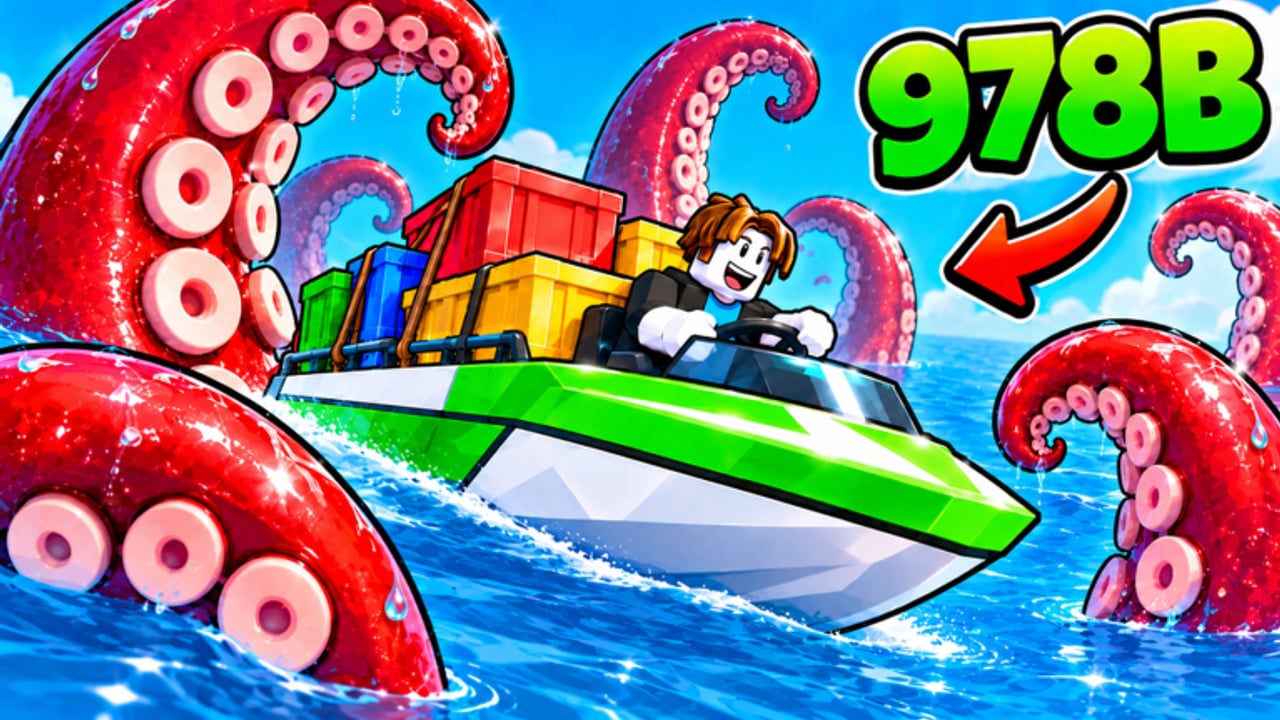
Ship The Cargo is a free Roblox simulation and tycoon experience by Big Boat Small Boat. You captain a vessel, haul cargo across open water, survive ocean threats, sell what you deliver, and reinvest profit into a stronger boat. Servers hold up to 12 players, and the game supports Desktop, Console, Mobile, and Tablet. This guide walks you through a clean first session so you learn the core loop before chasing advanced routes or expensive upgrades.
If you only read one page before playing, make it this one. Then deepen with how to deliver cargo, how to make money, controls, ocean dangers, and boat upgrades.
Join the game and settle into the UI
Open Roblox and launch Ship The Cargo. Pick a public server with open seats if you want company, or a quieter lobby if you prefer to learn without traffic. After you spawn, pause before flooring the throttle.
Spend the first minute mapping the interface:
- Find prompts that accept or track cargo jobs.
- Locate interact or load actions for crates and dock equipment.
- Note any currency, damage, or cargo-status readouts so you can spot trouble early.
- Check camera and steering sensitivity once; tiny adjustments save you from clipping piers later.
Platform layouts differ. Use the dedicated controls guide for Desktop, Console, Mobile, and Tablet bindings, then return here for the gameplay loop.
The first cargo run loop
Everything in Ship The Cargo revolves around a repeatable cycle:
- Accept a job you can finish with your current boat.
- Load cargo carefully so nothing hangs off the deck or blocks your view.
- Plan a route that balances travel time against open-water risk.
- Deliver and sell at the destination dock.
- Repair, restock focus, and upgrade before the next outing.
Your first runs should be short. Early boats are slower, hold less cargo, and forgive fewer mistakes. A completed small delivery teaches docking, selling, and recovery better than a failed long haul. Treat the ocean as a risk meter: the farther you go, the more weather, waves, and other threats can interrupt the payout. Details live in survive ocean dangers.
While underway, keep checking three things: boat integrity, cargo security, and heading toward the correct dock. If a storm or hostile encounter looks unwinnable, aborting early often costs less than losing a full hold. That abort mindset is a veteran habit you can learn on day one.
Early upgrade priorities
Profit only matters when you convert it into safer, faster, or larger runs. In the first session, prefer upgrades that protect the loop rather than flashy late-game toys.
Suggested early focus:
- Handling and throttle control so docking stops feeling like a crash course.
- Modest speed so short routes cycle faster without overextending into danger.
- Cargo capacity once you can already complete runs consistently.
- Durability or defense as soon as open-water threats start cutting into profits.
Avoid dumping every coin into one stat. A fast boat that cannot steer into a berth, or a huge hold that sinks under the first hazard, wastes time. For a deeper priority ladder across early, mid, and late game, read boat upgrades and compare options on the upgrades tier list and boats tier list.
Common beginner mistakes
New captains usually lose money the same ways:
- Taking long routes too soon. Distance multiplies exposure. Master short loops first.
- Ignoring cargo seating. Loose or poorly placed cargo is easier to lose when the sea gets rough.
- Skipping UI checks. If you never glance at damage or job status, you notice problems only after the payout is gone.
- Upgrading randomly. Buy what fixes your current bottleneck — docking, survival, or capacity — not whatever looks newest.
- Fighting every threat. Some dangers are meant to be avoided or fled. Pride is expensive.
- Playing alone when co-op would help. On fuller 12-player servers, coordinated loading or escorting can stabilize risky runs — just stay clear of chaotic docks.
Also claim any active promo rewards early. Check the codes hub so free boosts land before your first upgrade spending spree.
First-session checklist
Use this list as a practical finish line for day one:
- Join a server and identify job, load, and sell prompts.
- Complete at least two short deliveries without losing the cargo.
- Practice one clean dock approach at low speed.
- Spend profit on one handling or speed upgrade and one survival or capacity upgrade, not six tiny cosmetics.
- Survive or successfully abort one risky stretch of open water.
- Bookmark this wiki’s guides hub so the next session starts with a plan.
If a mechanic feels unclear mid-run, finish the delivery first when possible, then review the matching guide. Momentum matters more than perfect theory during the first hour.
What to read next
- Need the full dock-to-dock workflow? Open how to deliver cargo.
- Want session goals and route economy? Study how to make money.
- Struggling with input on your device? Use controls.
- Losing boats or cargo at sea? Read survive ocean dangers.
- Ready to invest seriously? Follow boat upgrades plus the tier list hub.
Ship The Cargo rewards calm captains who finish runs, protect cargo, and upgrade with intent. Nail that rhythm in session one and every later guide on this wiki becomes easier to apply.
Frequently Asked Questions
Quick answers to the most common questions.
Is Ship The Cargo free to play on Roblox?
Yes. Ship The Cargo is free to play. Optional purchases may exist in the Roblox ecosystem, but the core cargo loop — deliver, sell, upgrade — is available without paying to start.
How many players can share one server?
Servers support up to 12 players. You can practice alone on quieter servers or use fuller lobbies for co-op loading and mutual awareness on busy routes.
What should I upgrade first as a beginner?
Prioritize handling and modest speed so short deliveries stay reliable, then add capacity and durability once you can finish runs consistently. Avoid dumping all profit into a single flashy stat.
Should my first jobs be long ocean routes?
No. Start with short cargo loops. Long routes raise weather, wave, and threat exposure before your boat can absorb losses. Expand distance after two clean short deliveries.
Where do I redeem codes?
Check the Codes hub on this wiki for active rewards and redemption notes, then redeem in-game through the game’s code or rewards UI as shown there.
Which platforms can I play on?
Ship The Cargo supports Desktop, Console, Mobile, and Tablet. Review the controls guide for platform-specific steering, throttle, camera, and interact tips.